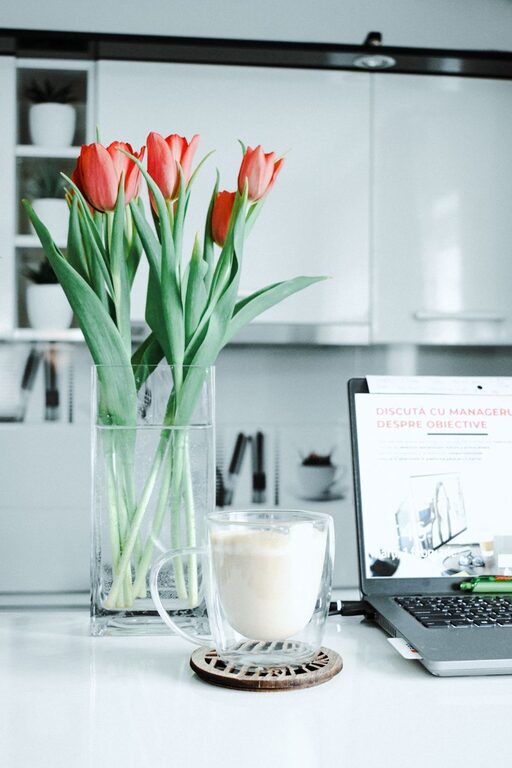
Creating a relaxing home workspace is more important than ever as remote work becomes a part of daily life for many people. A calming, well-organized environment not only helps reduce stress but also boosts productivity, allowing you to work more efficiently and enjoy your tasks. Whether you have a dedicated room or a small corner at home, the right setup can make a significant difference. Here are helpful tips to design a home workspace that promotes relaxation and productivity.
Choose the Right Location
Find a Quiet Spot
Select a location in your home that limits distractions. Ideally, this should be away from noisy areas like the kitchen or living room. If you live with others, consider a room or corner where you won’t be interrupted frequently.
Prioritize Natural Light
Natural light improves mood and reduces eye strain. Position your desk near a window when possible. If natural light is limited, use soft, warm artificial lighting instead of harsh fluorescents.
Create a Comfortable Workspace
Invest in an Ergonomic Chair
A comfortable chair supports your posture and reduces fatigue. Look for one with adjustable height, lumbar support, and breathable material.
Use a Suitable Desk
Choose a desk that fits your space and needs. It should be large enough to hold your computer, documents, and other essentials without cluttering your workspace.
Maintain Proper Screen Height
Your computer screen should be at eye level to prevent neck and back strain. Use a monitor stand or adjustable arm if necessary.
Keep the Space Organized
Declutter Regularly
A clutter-free space minimizes distractions and promotes focus. Keep only essential items on your desk and store other materials in drawers or shelves.
Use Storage Solutions
Incorporate organizers, baskets, and filing cabinets to keep supplies tidy. Label containers for easy access.
Manage Cables Neatly
Tangled cords can create visual chaos. Use cable clips, sleeves, or boxes to keep cables organized and out of sight.
Incorporate Calming Elements
Add Greenery
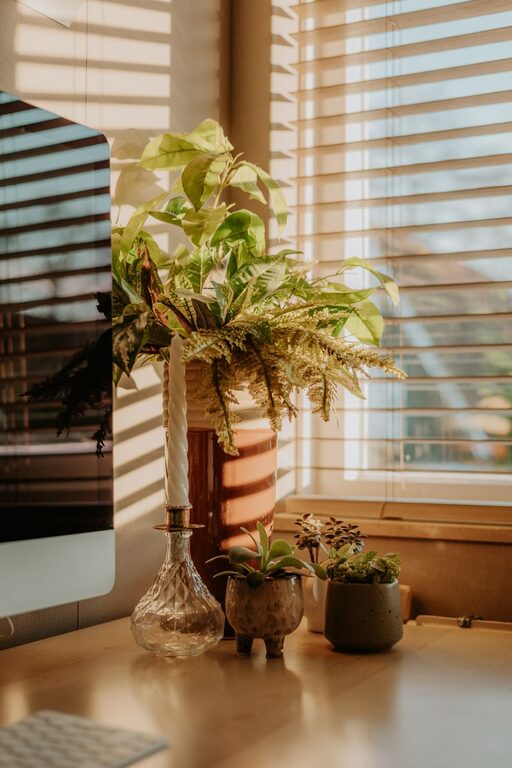
Plants improve air quality and create a soothing ambiance. Choose easy-to-care-for plants like succulents or snake plants.
Include Personal Touches
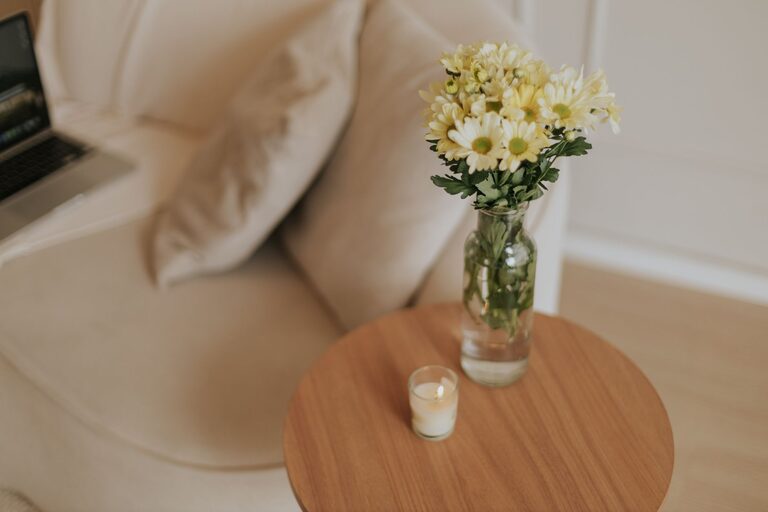
Pictures, artwork, or meaningful objects can make your workspace inviting and boost your mood.
Use Soothing Colors
Colors like soft blues, greens, or neutrals promote calmness. Consider painting your workspace walls or adding accessories in these tones.
Establish Boundaries and Routine
Set Clear Work Hours
Define your work schedule and stick to it. This helps create structure and reduces the temptation to overwork.
Minimize Distractions
Turn off non-essential notifications on your phone and computer. Inform family or housemates of your working hours to reduce interruptions.
Take Regular Breaks
Take short breaks to stretch, walk, or simply rest your eyes. This helps maintain focus and reduces stress.
Optimize Air Quality and Temperature
Keep the Room Well-Ventilated
Fresh air improves concentration and energy levels. Open windows when possible or use an air purifier.
Maintain Comfortable Temperature
Ensure your workspace is neither too hot nor too cold. Use fans, heaters, or air conditioning to maintain a comfortable environment.
Use Technology to Your Advantage
Choose Noise-Cancelling Headphones
These help eliminate background noise, making it easier to concentrate, especially in shared spaces.
Utilize Productivity Apps
Use apps for task management, timers, and focus techniques like the Pomodoro method to stay organized and efficient.
Final Thoughts
Designing a relaxing home workspace is about balancing comfort, functionality, and aesthetics. By setting up a space that feels calm and organized, you’ll find it easier to concentrate and stay motivated throughout your workday. Implement these tips gradually to create an environment where productivity and relaxation work hand in hand.
About the Author