Creating a home workspace that feels cozy and promotes productivity can make a significant difference in your work-from-home experience. Whether you’re working remotely full-time or just occasionally, a well-designed workspace helps maintain focus, reduces stress, and boosts overall efficiency. Here are some practical tips to help you create a comfortable and functional space right in your home.
1. Choose the Right Location
The foundation of a productive home office starts with selecting the ideal spot.
– Find a quiet corner. If possible, pick a room or area away from household noise and distractions.
– Consider natural light. Position your desk near a window to benefit from natural daylight, which improves mood and alertness.
– Maximize space. Even a small nook can work well if organized thoughtfully.
2. Invest in Comfortable Furniture
Comfort is key to staying productive for extended periods.
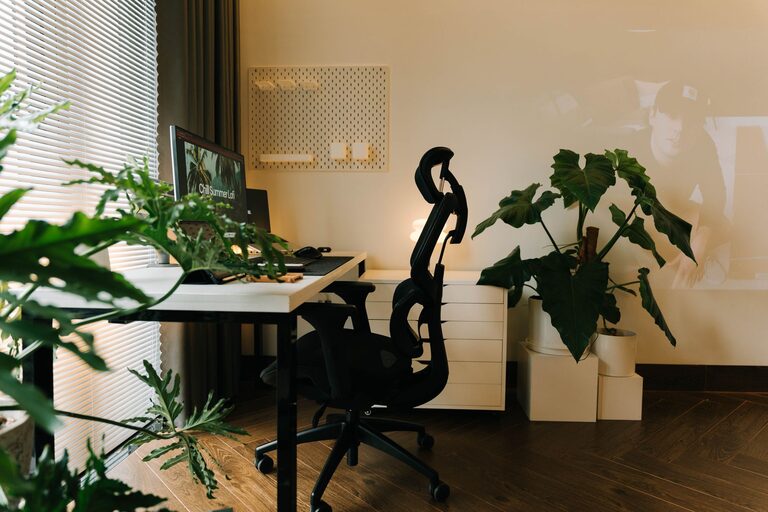
– Supportive chair. Choose an ergonomic chair that provides good back support and encourages proper posture.
– Appropriate desk height. Ensure your desk is at a comfortable height to prevent strain on your wrists and shoulders.
– Adjustable options. Consider sit-stand desks or adjustable chairs for flexibility throughout your day.
3. Optimize Lighting
Proper lighting reduces eye strain and enhances your focus.
– Layer your lighting. Combine ambient lighting with task lighting, such as desk lamps, to illuminate your work area effectively.
– Avoid glare. Position screens perpendicular to windows and use blinds to control sunlight.
– Use warm lights. Soft, warm light bulbs can create a cozy atmosphere and reduce fatigue.
4. Organize Your Workspace
Clutter can distract and reduce your efficiency, so keeping things tidy is essential.
– Use storage solutions. Shelves, drawers, and organizers help keep supplies and documents in order.
– Limit essentials. Keep only items you need daily on your desk and store the rest out of sight.
– Cable management. Use clips or sleeves to keep cables neat and prevent tangling.
5. Personalize Your Space
Add elements that make your workspace inviting without overwhelming it.
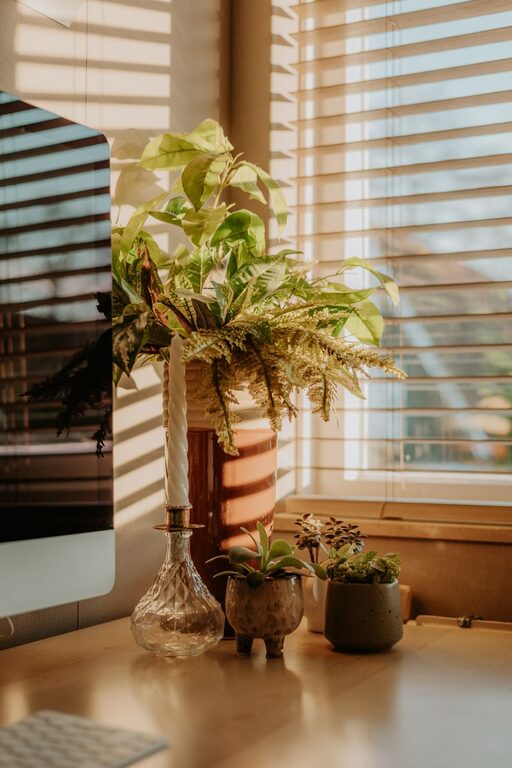
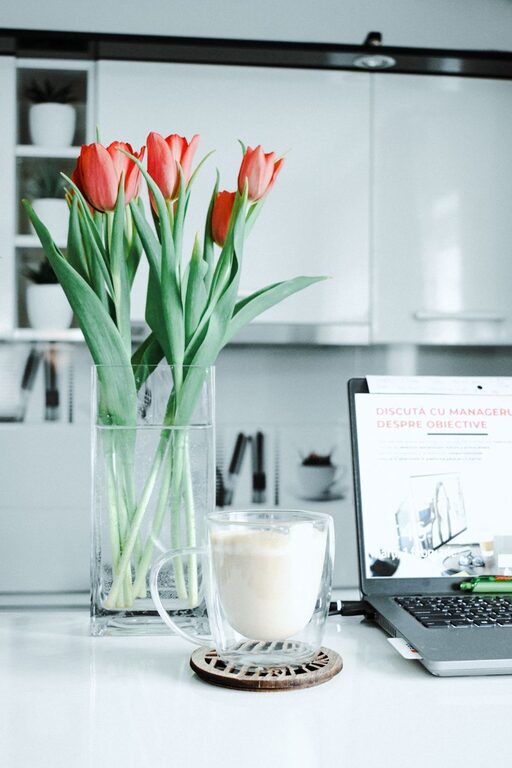
– Add greenery. Plants improve air quality and bring a refreshing feel to your desk.
– Use colors you love. Incorporate your favorite colors through accessories like mouse pads, stationery, or artwork.
– Display inspiration. A calendar, motivational quotes, or photos can keep you motivated.
6. Maintain Good Air Quality and Temperature
A comfortable environment supports focus and wellbeing.
– Ventilation. Open windows regularly or use an air purifier.
– Temperature control. Ensure the room isn’t too hot or cold; a fan or heater can help adjust the climate.
7. Limit Distractions
A well-planned space helps keep distractions to a minimum.
– Set boundaries. Make it clear to family or roommates when you’re working.
– Use noise-canceling headphones. These can help filter out background noise and improve concentration.
– Clear digital clutter. Organize your computer desktop and minimize notifications during work hours.
8. Incorporate Break Areas
Taking short breaks promotes better productivity.
– Create a relaxation spot. If space allows, have a comfy chair or corner to step away from your desk and recharge.
– Stretch regularly. Use reminders to stand up, stretch, or do quick exercises.
9. Maintain Consistency and Routine
Finally, a cozy and productive workspace is only part of the equation.
– Stick to a schedule. Define your work hours to create structure.
– Keep it clean. Regularly tidy your space to maintain a pleasant atmosphere.
– Adjust as needed. Periodically reassess your setup and make improvements based on your workflow.
Conclusion
Designing a home workspace that balances coziness with productivity is achievable with some planning and thoughtful choices. From selecting the right location and comfortable furniture to organizing your supplies and limiting distractions, every small adjustment counts. Invest time into creating a space that suits your needs and style—it can transform your work-from-home routine into a more enjoyable and efficient experience.
About the Author